

Support
How can we help?
Your box, your masjid's screens, your Wi-Fi. Choose a topic, and if you are still stuck, a person answers.
Pictures illustrative
01 / For your box
Plug in. Pick your masjid. Done.
Four steps and you are watching. Full steps come with your box.
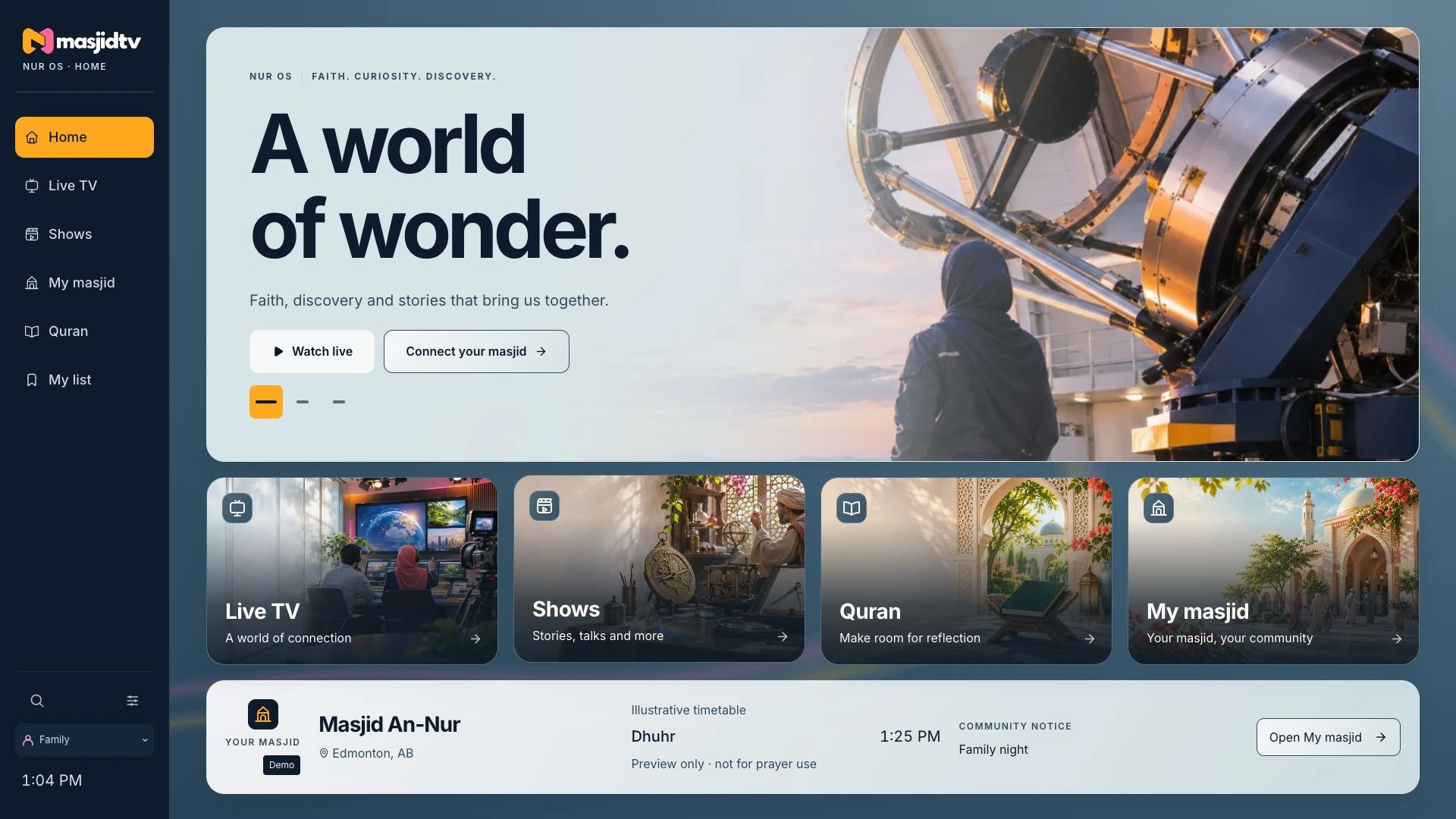
- Plug inConnect your box to your television and to power.
- Join your Wi-FiChoose your home network and enter its password.
- Choose your masjidYour box follows its prayer times from then on.
- Press playShows, documentaries and Quran, paused for you at every salah.
- Does it work with my television?
- If your television has an HDMI port, your box connects to it.
- Can I set it up for the kids?
- Yes. A kids profile keeps your screen to all-ages titles and kids apps.
- Do I pay to watch?
- No subscription. Nothing to pay for viewing.
- What runs on my box?
- Nur OS, the system we build for MasjidTV.
- When can I get my box?
- Expected launch: Ramadan 2027, in shaa Allah. The family pack tells you more.
02 / For your Wi-Fi
Your home Wi-Fi is all it needs.
Your box streams over your home internet and keeps your masjid's prayer times up to date.
If the picture stops
- Check your other devicesIf they are offline too, it is your internet, not your box.
- Restart bothUnplug your router and your box, wait a moment, then plug the router in first.
- Bring the signal closerMove your router nearer your television, or out of a closed cabinet.
- Still stuck?Talk to us and a person will help.
- What does my box need?
- Your home Wi-Fi, with a steady signal where your television sits.
- New router or new password?
- Connect your box to the new network from its settings. Full steps come with your box.
- And your masjid's screens?
- They run on your masjid's internet, so they need a steady connection too.
03 / For your home
Your masjid's times, at home.
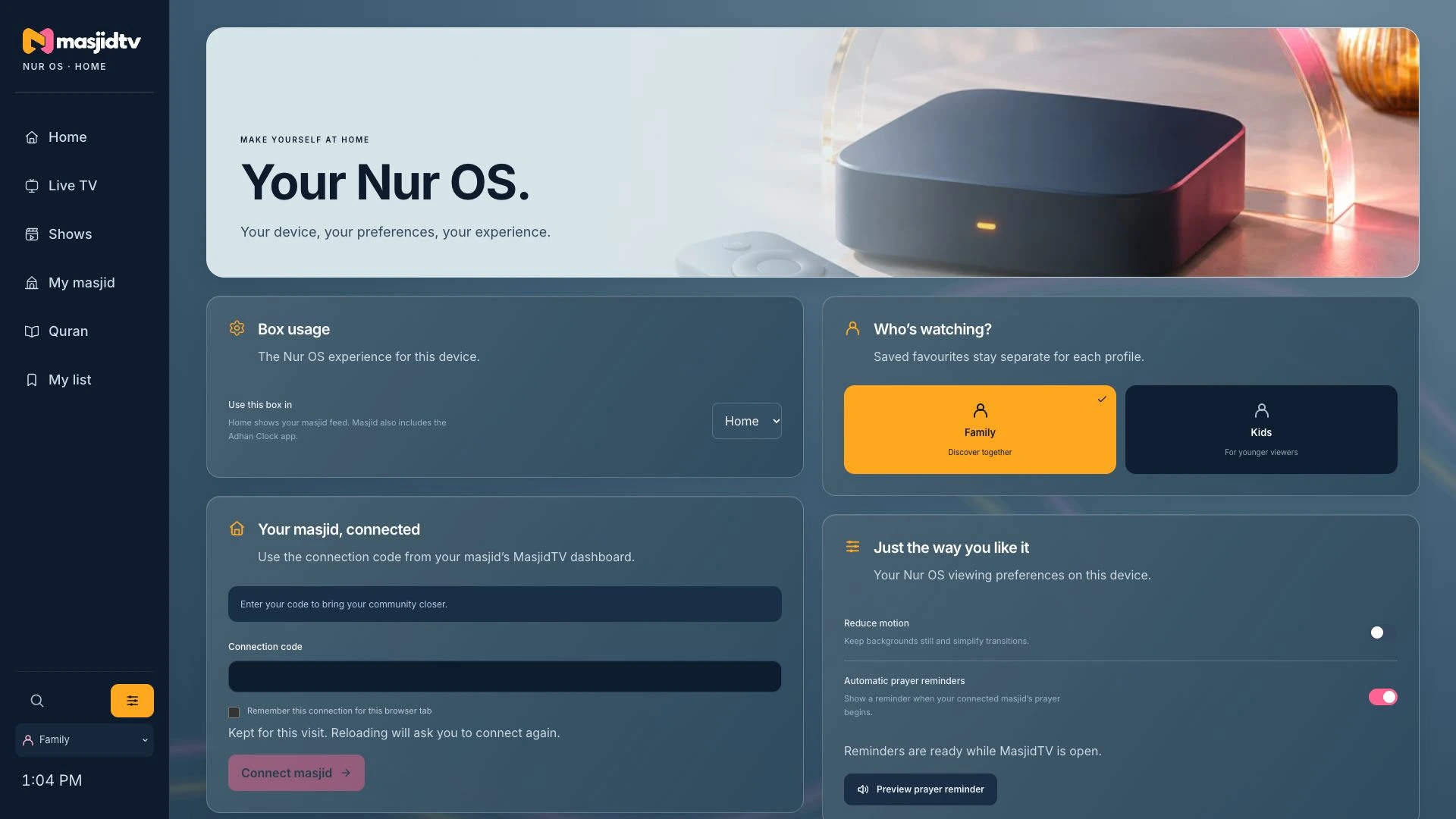
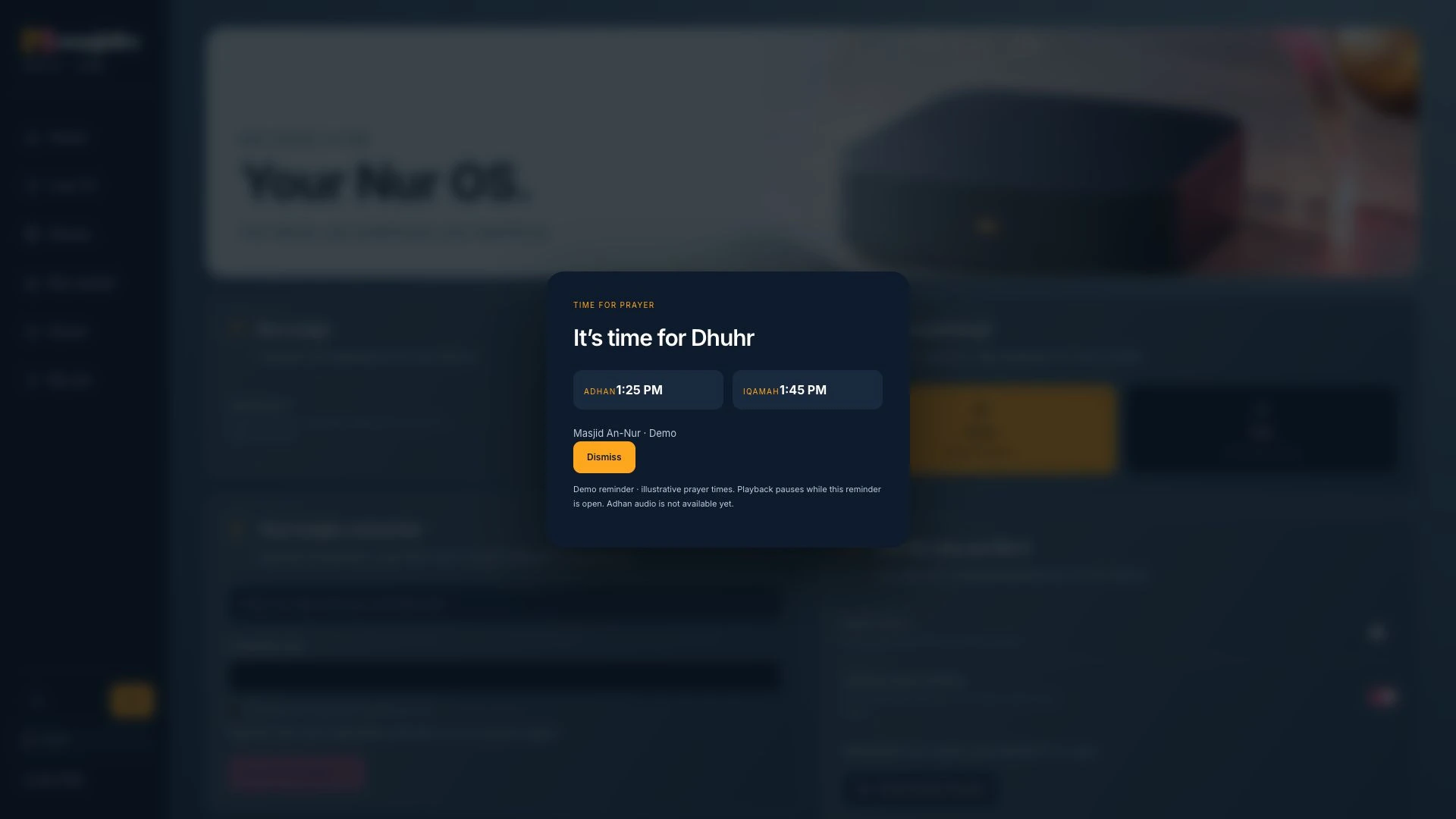
Choose your masjid once. At every prayer time, your screen pauses and the adhan reminder takes over.
- How do I choose my masjid?
- Pick it in your box's settings. Its prayer and iqamah times come to your screen from then on.
- What happens at prayer time?
- Whatever is playing pauses, and the adhan reminder shows the adhan and iqamah times. Pray, then carry on watching.
- Can I adjust the adhan sound?
- Yes. You can set the adhan sound to suit your home. Full steps come with your box.
- Moved, or praying somewhere new?
- Choose another masjid at any time, and your box follows its times instead.
- Is my masjid on MasjidTV?
- Tell us which masjid you attend and we will let you know.
04 / For your masjid's team
Your screens. Your say.
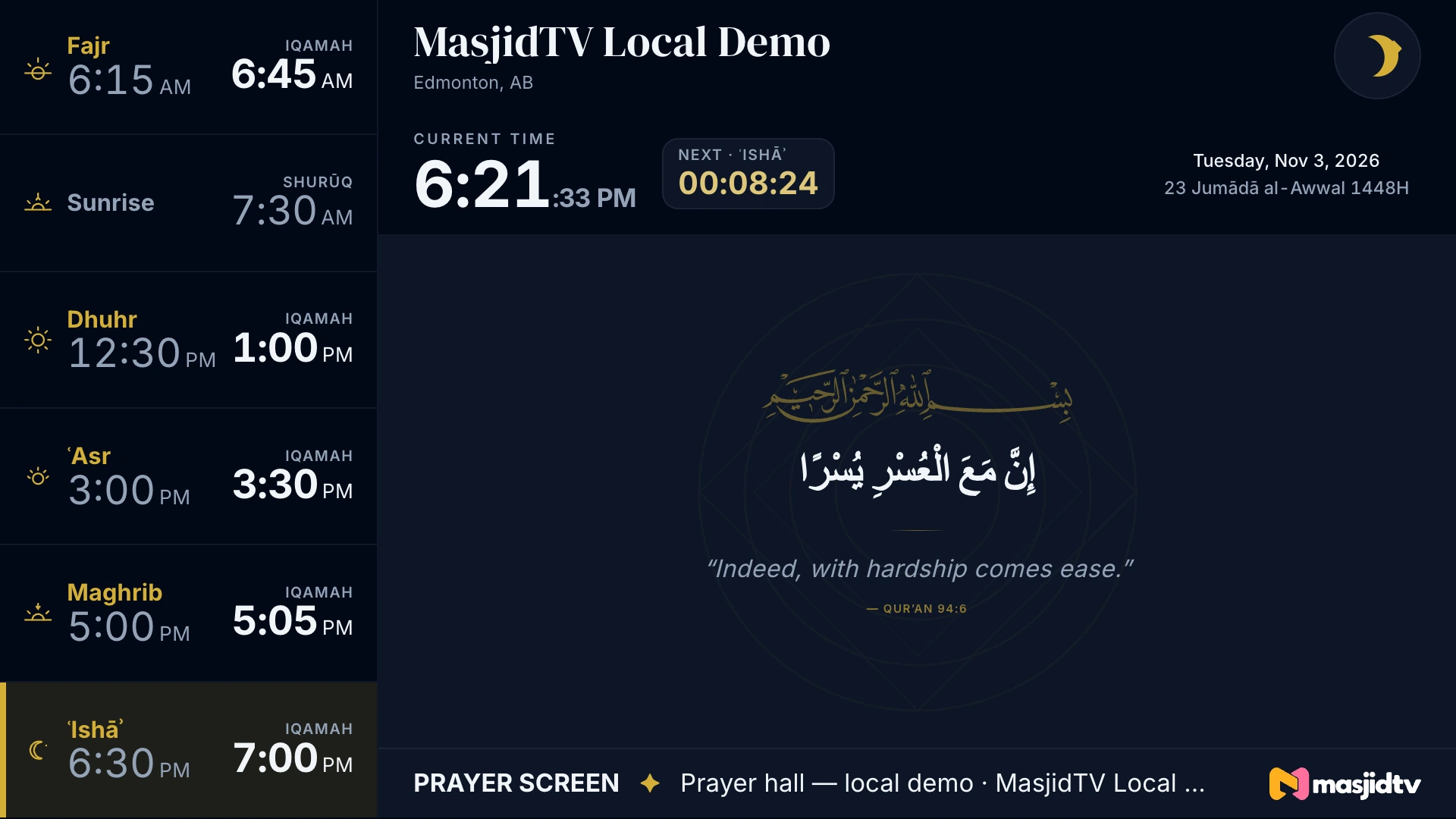
For your imam, board and volunteers: how your hall and lobby displays work, and who looks after them.
- What does each display show?
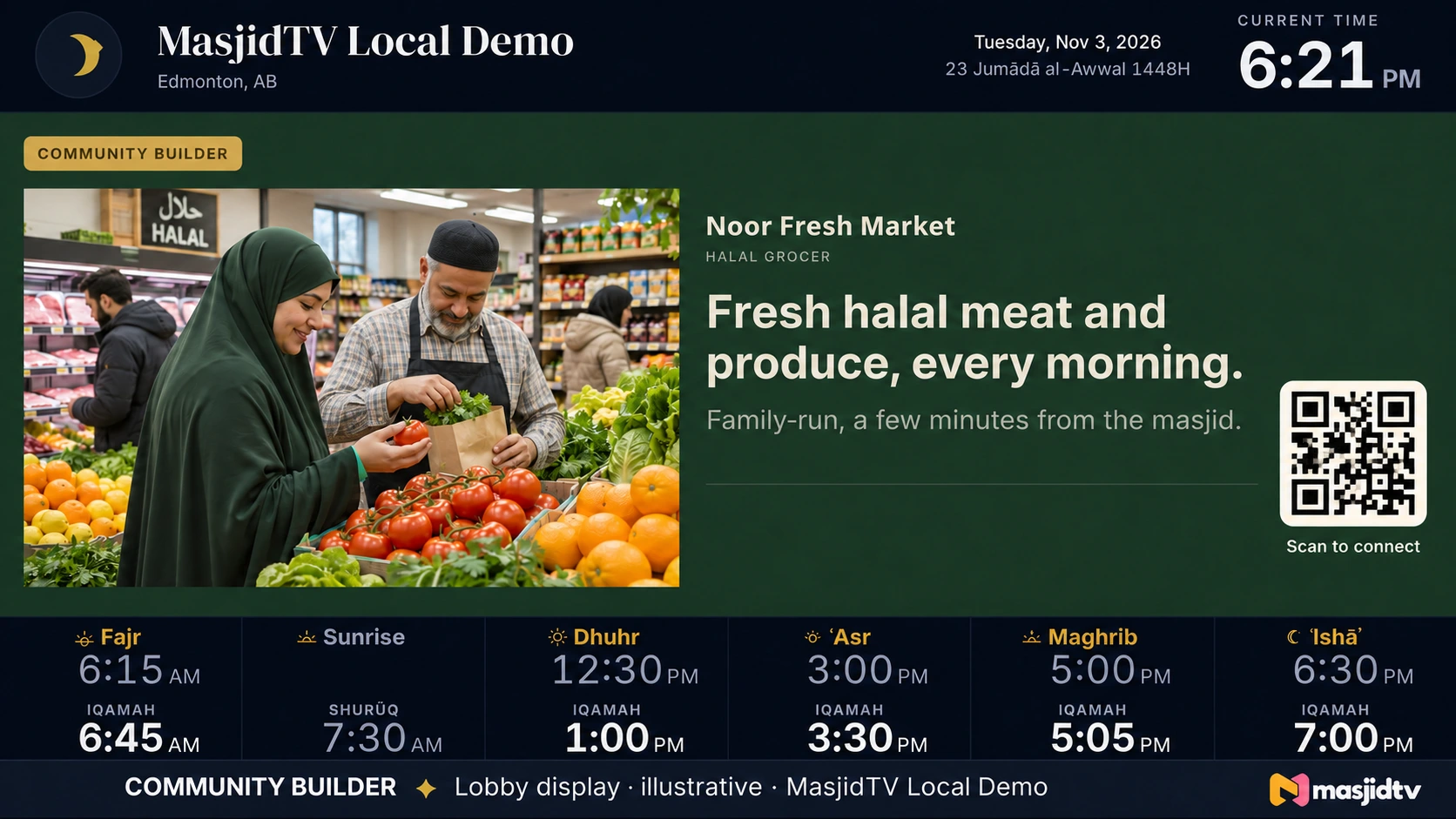
- Your hall display carries the adhan clock, iqamah and your announcements. Your lobby display adds messages from local community builders.
- And in the prayer hall?
- Your prayer hall stays free of anything commercial, always.
- Who sets them up?
- We set up your displays with your team, and show your volunteers how they work.
- How do we change what plays?
- Your team updates prayer times, iqamah and announcements from a tablet or computer, and your screens follow. Full steps come when we set you up.
- Who approves lobby messages?
- Your masjid does. Nothing shows on your lobby display without your approval.
- Can we show our khutbah?
- Yes: your khutbah, live when you stream it.
- Not on MasjidTV yet?
- Request the masjid pack for your board.
05 / A person answers
Talk to us.
About your box, your masjid's screens or anything else. A person at Ummah Media reads every message and writes back.
Prefer email? [email protected]
Sent
Thank you.
Your message is with us. A person will write back to , in shaa Allah.
Still need a hand?
Write to us about your box, your screens or anything else. A person at Ummah Media answers.